
Download Proton Calendar – secure calendar, end-to-end encryption, ProtonMail, ProtonVPN, calendar app, privacy-focused, event planner, time zone support
Overview
Proton Calendar is a privacy-first calendar application developed by Proton Technologies, the same team behind ProtonMail and ProtonVPN. Designed as a secure agenda tool, it enables users to record events, appointments, and personal milestones with a strong emphasis on data protection. The software is intended for individuals and professionals who prioritize confidentiality in their digital schedules.
It operates under a privacy-centric model, ensuring that all calendar data remains encrypted and inaccessible to third parties, including the developers themselves. The app supports cross-device synchronization, allowing users to maintain consistent access to their schedule regardless of the device they are using. It is currently in the beta stage, with access restricted to users who hold paid subscriptions to ProtonMail or ProtonVPN.
This ensures that the platform maintains a high level of security during early deployment. Real-world use cases include managing personal appointments, team scheduling, and tracking recurring deadlines, all within a secure environment. The software is particularly suited for users who handle sensitive information and require assurance that their calendar data is not exposed to surveillance or data harvesting.
Key Features & Capabilities
- End-to-end encryption – All calendar data is encrypted on the user’s device before being transmitted, ensuring that only the user can access their events.
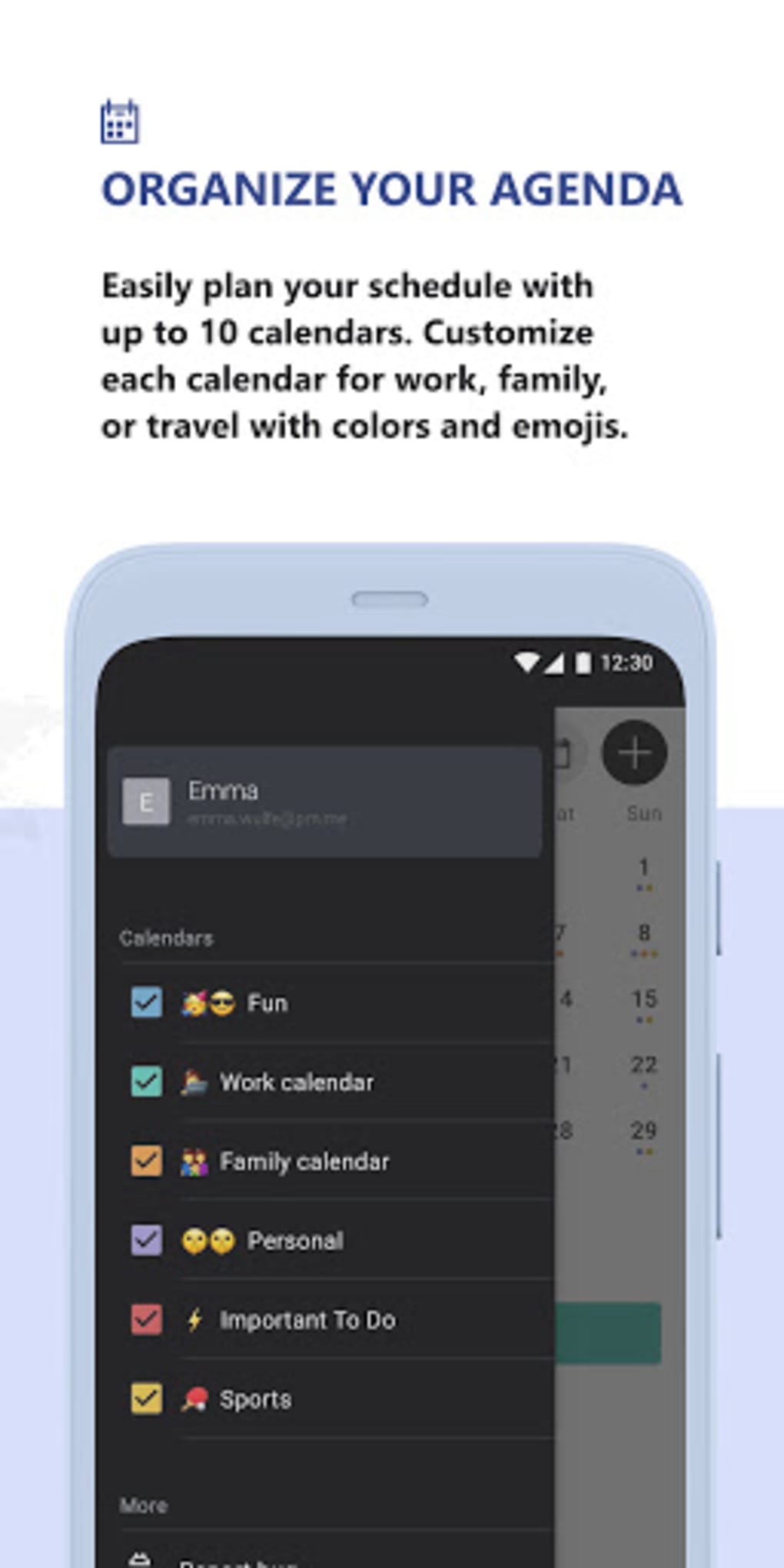
- Multi-calendar support – Users can manage up to 10 separate calendars, ideal for distinguishing between work, personal, and family schedules.
- Recurring events and multiple notifications – Allows users to set repeating events and configure multiple alerts for each, enhancing time management and event awareness.
- Time zone support – Events can be scheduled using local or international time zones, making it suitable for global users and remote teams.
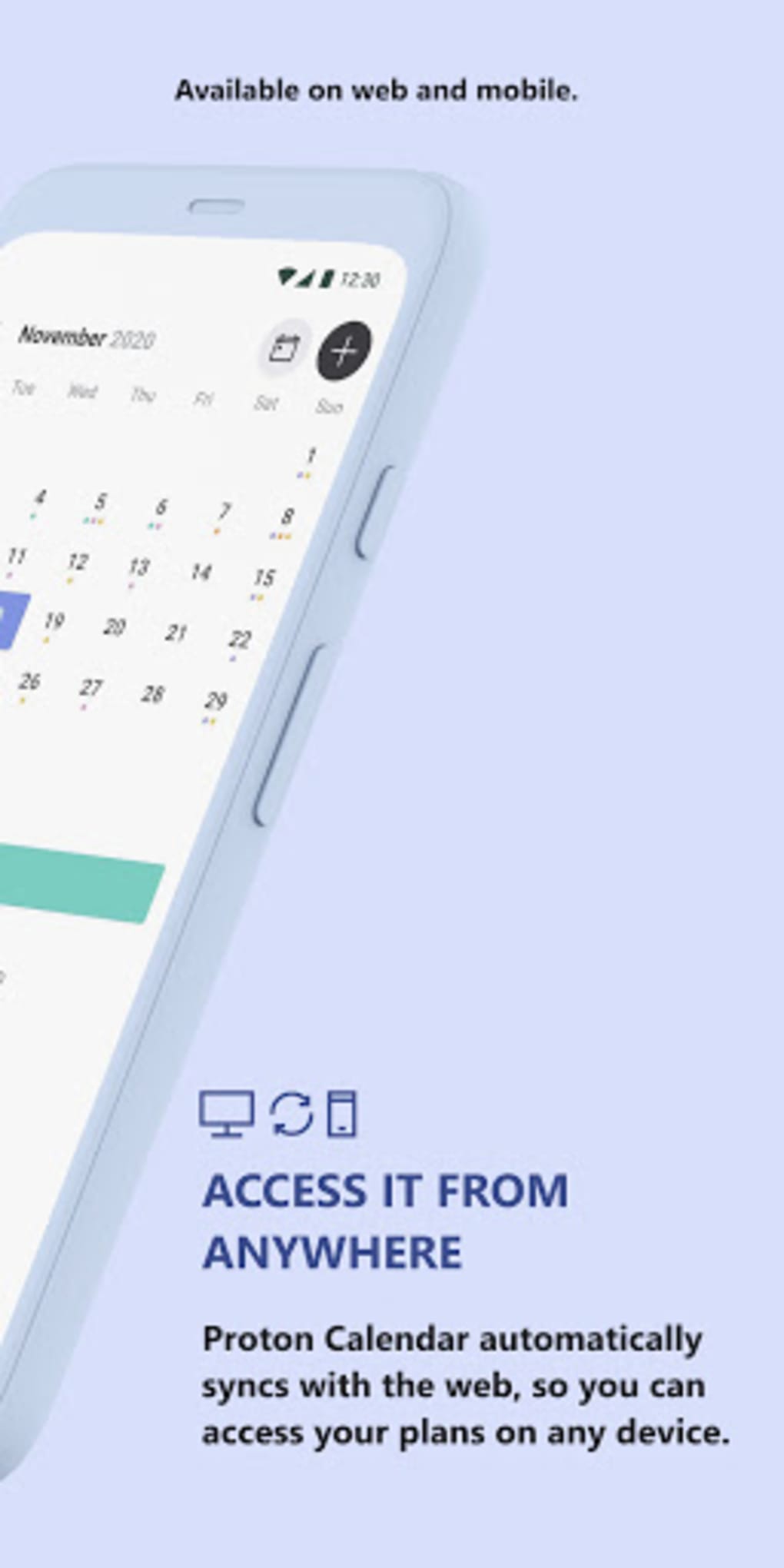
- Device synchronization – Calendar data syncs across all devices, maintaining consistency whether accessed via desktop or mobile.
- Event migration from other apps – Users can import existing calendar entries from other platforms, reducing setup time and effort.
- Emoji support – Events can be enhanced with emojis for visual identification and personalization.
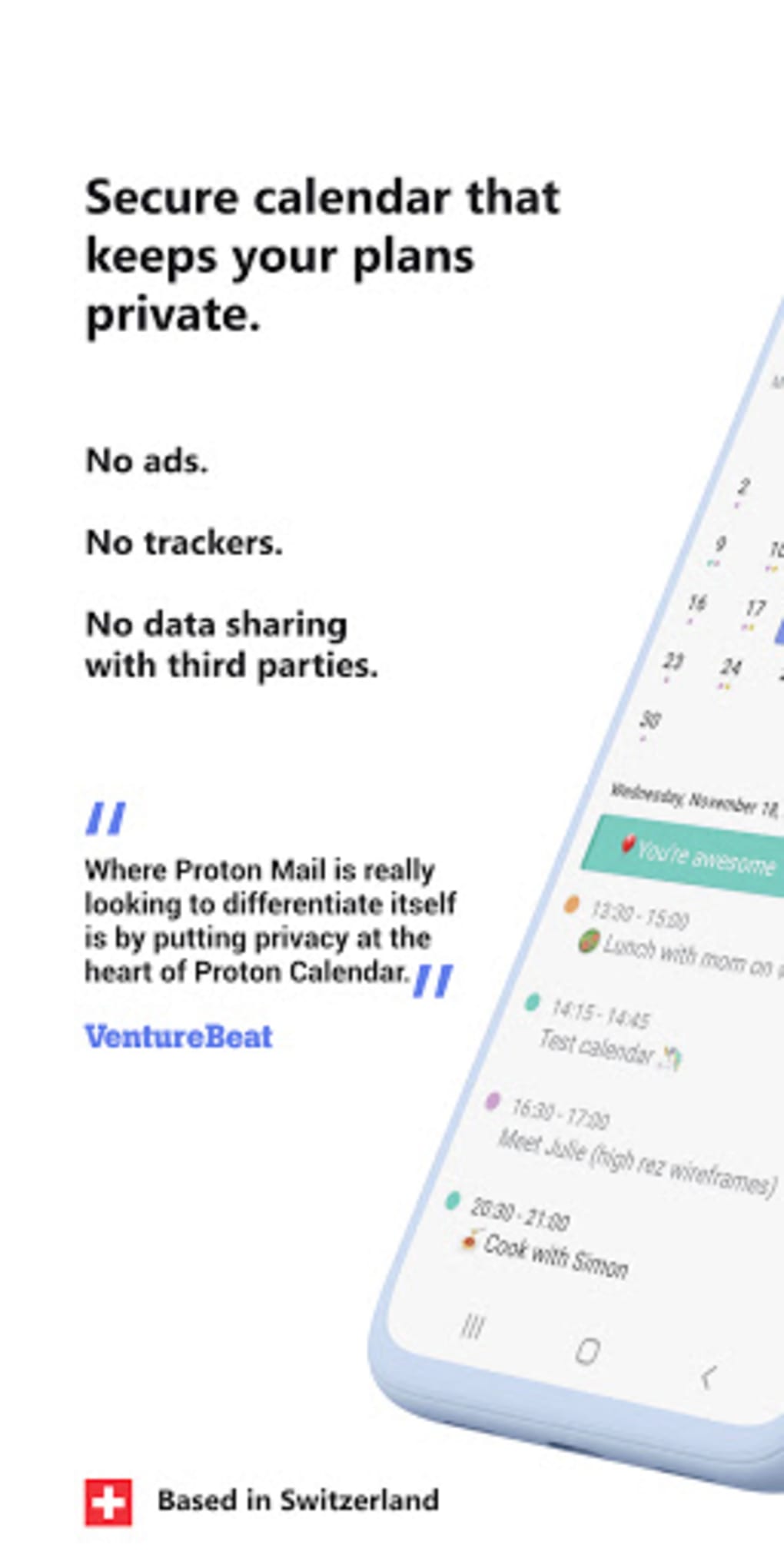
- Ad-free and tracker-free environment – The app does not display advertisements or collect user data for tracking purposes.
These features collectively support efficient planning and organization, especially for users who need to manage complex schedules while maintaining strict privacy. The encryption model ensures that even if data is intercepted during sync, it remains unreadable. The ability to separate calendars allows for better workflow organization, while time zone handling supports international collaboration. Event migration streamlines the onboarding process, and emoji integration improves usability through visual cues.
User Interface, Workflow & Performance
The user interface of Proton Calendar is designed with simplicity and security in mind. Navigation is structured around a clean calendar view, with intuitive access to day, week, and month layouts. Users can easily create, edit, or delete events through a straightforward menu system.
The workflow emphasizes minimal steps between action and completion, promoting efficiency. While specific performance metrics were not provided, the application is built to operate smoothly across multiple platforms, leveraging Proton Technologies’ established backend infrastructure. The developer did not specify resource usage details, so general observations about CPU or RAM behavior are not available.
Stability is expected to be high, given the company’s experience with secure services. However, as the software is still in beta, some users may encounter occasional inconsistencies or delays during sync operations. The overall experience appears optimized for usability, with a focus on maintaining privacy without sacrificing functionality.
Compatibility & System Requirements
Proton Calendar is available for Windows, Mac, Linux, Android, and iOS operating systems. The current version is 1.0.0-beta, with a file size of 120 MB. This indicates a lightweight installation footprint, suitable for most modern devices.
The developer did not provide additional system requirements, so users should ensure their device meets the minimum standards for the respective platform. Compatibility with both desktop and mobile environments allows for seamless use across different workflows. Installation is straightforward, with no known conflicts reported.
The app supports synchronization across all supported platforms, enabling consistent access to calendar data. The developer did not specify whether older OS versions are supported, so users should verify compatibility with their current system.
Pros and Cons
Pros
- End-to-end encryption ensures maximum privacy for calendar data.
- Supports up to 10 calendars for better organizational separation.
- Multi-platform availability across desktop and mobile devices.
- Time zone support for international scheduling.
- Ad-free and tracker-free user experience.
- Free to use for eligible ProtonMail and ProtonVPN subscribers.
- Event migration from other calendar services simplifies setup.
Cons
- Currently in beta, which may affect long-term stability.
- Access is restricted to paid ProtonMail and ProtonVPN users.
- No public release or general availability yet.
- Exact performance and system requirements were not specified.
- Limited to users within the Proton ecosystem.
FAQ Section
Is Proton Calendar available for free?
Yes, Proton Calendar is free to use; however, access is currently limited to users who have a paid ProtonMail or ProtonVPN subscription.
Can I use Proton Calendar without a ProtonMail account?
No, access to Proton Calendar is restricted to paid users of ProtonMail or ProtonVPN. A standalone ProtonMail account is not sufficient.
Does Proton Calendar support multiple time zones?
Yes, users can schedule events using both local and international time zones, which is helpful for coordinating across different regions.
Is the app secure? What kind of encryption does it use?
Proton Calendar uses end-to-end encryption to protect all calendar data. This ensures that only the user can access their events, and even Proton Technologies cannot view the content.
Can I import my existing calendar data?
Yes, the app allows users to migrate events from other calendar services, reducing the need to manually re-enter appointments.
Final Thoughts + CTA
Proton Calendar presents a compelling option for users seeking a secure, privacy-focused calendar solution. With strong encryption, multi-calendar management, and cross-platform sync, it delivers essential tools for modern scheduling. Its integration within the Proton ecosystem ensures a high standard of data protection, making it ideal for privacy-conscious individuals and professionals.
While access remains limited to paid Proton services, the features and security model justify the requirement for many users. The beta status indicates ongoing development, but the core functionality is already robust. For those already invested in ProtonMail or ProtonVPN, Proton Calendar is a natural and valuable addition.
If you value privacy and need a reliable calendar app, this tool offers a secure alternative to mainstream options. Download Proton Calendar now.





.png)

